

ITMS – Ticket Assignment

Ticket assignment is a breeze with our software. When tickets are created, they’re assigned to queues based on its category. Each queue is mapped to a specific support team and tickets can be either self-assigned or auto assigned to support team members. The support team member is then looped in with constant notifications to ensure the ticket is closed in a timely manner.

Queues

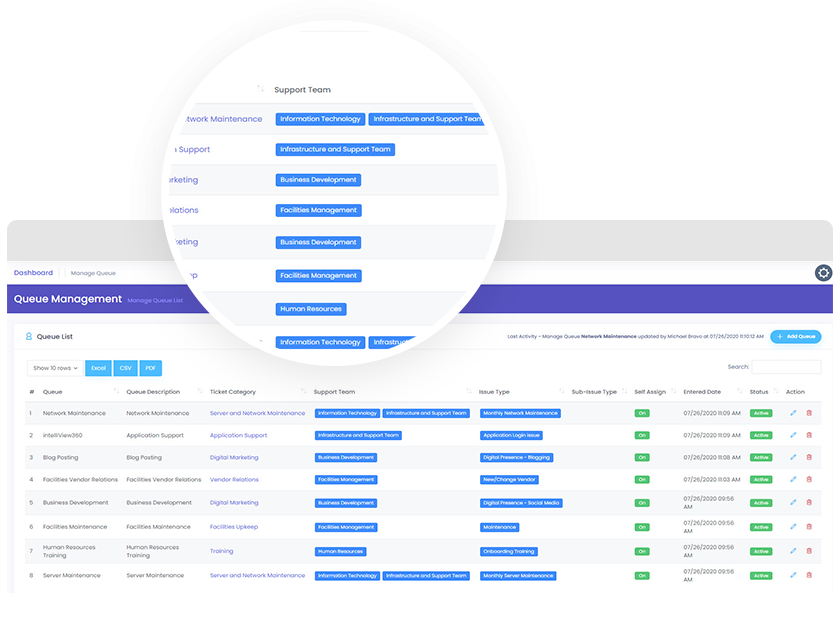
Each ticket is assigned to queues based on its category. Each queue is mapped to a specific support team, which has members with expertise on their assigned category. Support teams and individual team members can be mapped to multiple queues for maximum resource efficiency with minimal ticket closing time.

ticket-assignment-queue

Self-pickup or auto assign tickets

Tickets can be assigned to individual team members in one of two ways: self-pickup or auto assignment. With self-pickup, team members within each queue can assign tickets to themselves based on availability. Tickets can be auto assigned to team members as well.

On behalf of and ticket handoff

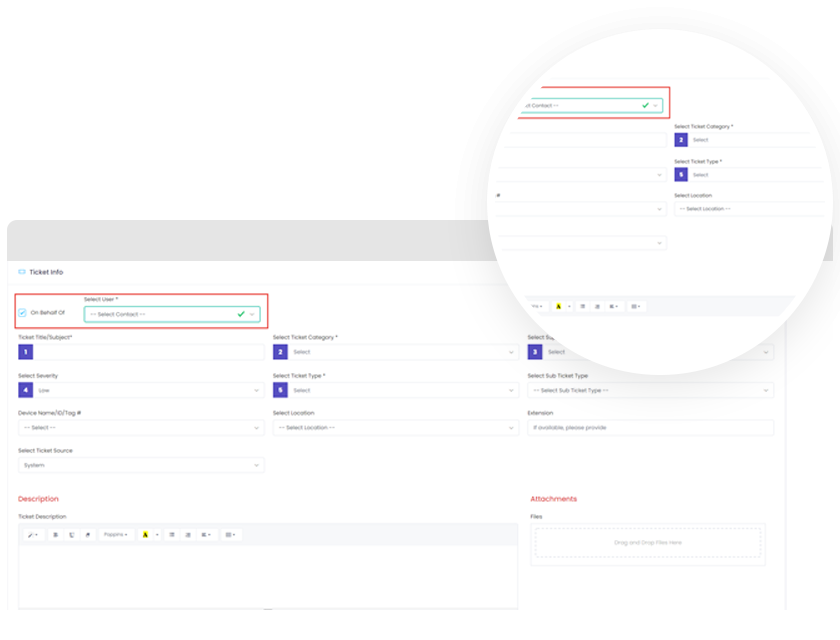
When creating a ticket, team members can state if the ticket is being made on the behalf of a user or a client. After ticket creation, team members can also assign their tickets to other team members.
Behalf-Of-screen

Notifications

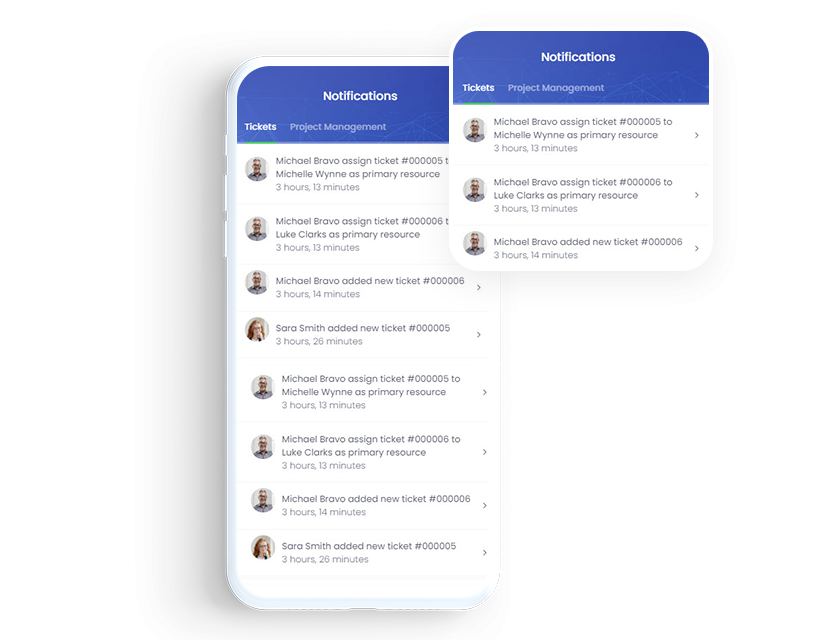
Resources assigned to tickets are automatically looped into the conversation with notifications from ticket creation to completion. They can stay notified on the go with constant email updates, too.
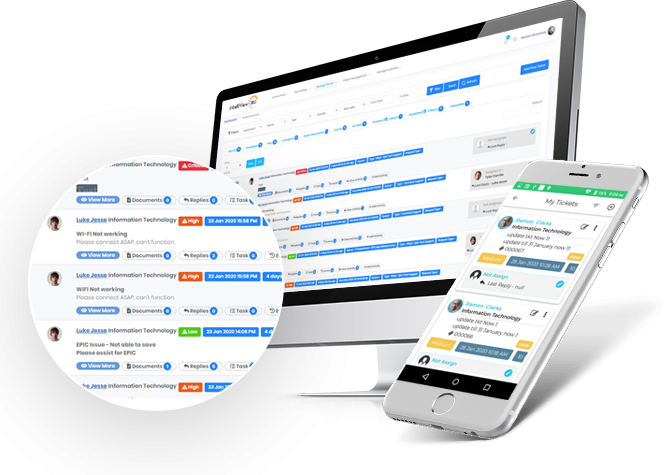
intelli-ticketing-management-system

The intelliView360 Advantage

Stay in touch with intelliView360

At intelliView360, our favorite word is together. Be it a long night or an early morning, we’re constantly bouncing ideas off of each other, working on our latest software together, and yes, even enjoying a slice of pizza together. Our products helped our team grow together. We can’t wait to help your team grow together, too.