

ITMS – SLAs and Ticket Escalation

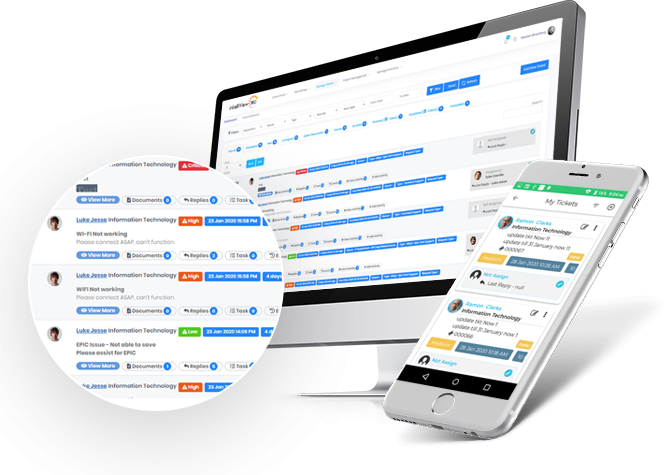
Assign service level agreements to queues for maximum productivity. If SLAs are not met, the ticket status gradually becomes escalated and both support teams and management are notified. SLAs are also fully customizable, meaning you can create one based on the day of the week, time period of the day, and specific time of the day.

Assign SLAs to queues

Assign SLAs to queues to ensure that the resources in your organization are attending to requests in a timely manner. SLAs can be generated for each queue depending on the day of the week, time period of the day, and specific time of the day.
Intelligent-Ticketing-Slide

Ticket escalation

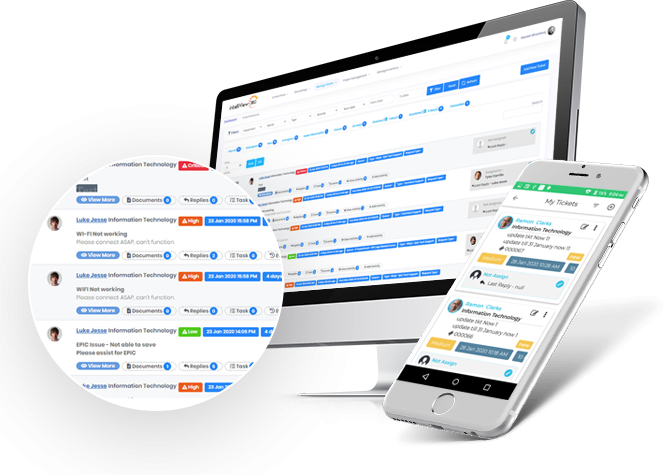
Escalation of ticket severity occurs if SLAs are not met. Both support teams and management are notified via email and through the intelliView360 system of SLA violations to ensure that tickets are completed as soon as possible.
intelli-ticketing-management-system-img-664x475 (2)

Customizable SLAs

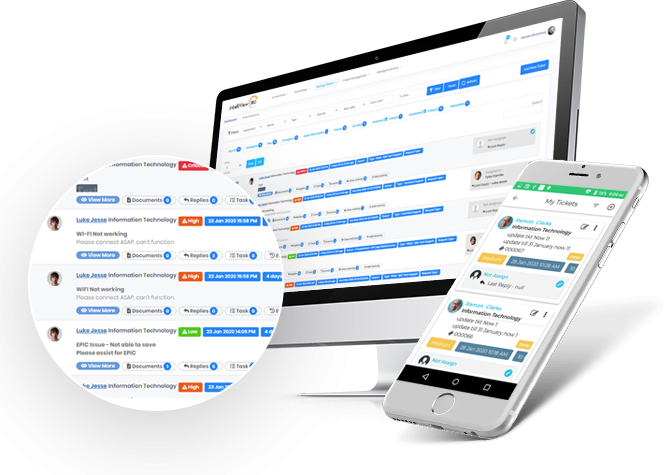
Your SLAs are exactly that: yours. They are customizable down to the day of the week, time period of the day, and specific time of the day, and multiple SLAs can be generated to ensure your organization is supported 24/7.
intelli-ticketing-management-system

Notifications

If SLAs are not met, team members and management receive gradual notifications depending on the severity of the escalation. The notifications are seen through email and also the intelliView360 system to ensure timely action is taken to fulfill the SLA.
intelli-ticketing-management-system-img-664x475 (2)

The intelliView360 Advantage

Stay in touch with intelliView360

At intelliView360, our favorite word is together. Be it a long night or an early morning, we’re constantly bouncing ideas off of each other, working on our latest software together, and yes, even enjoying a slice of pizza together. Our products helped our team grow together. We can’t wait to help your team grow together, too.