

IPMS – Dashboard

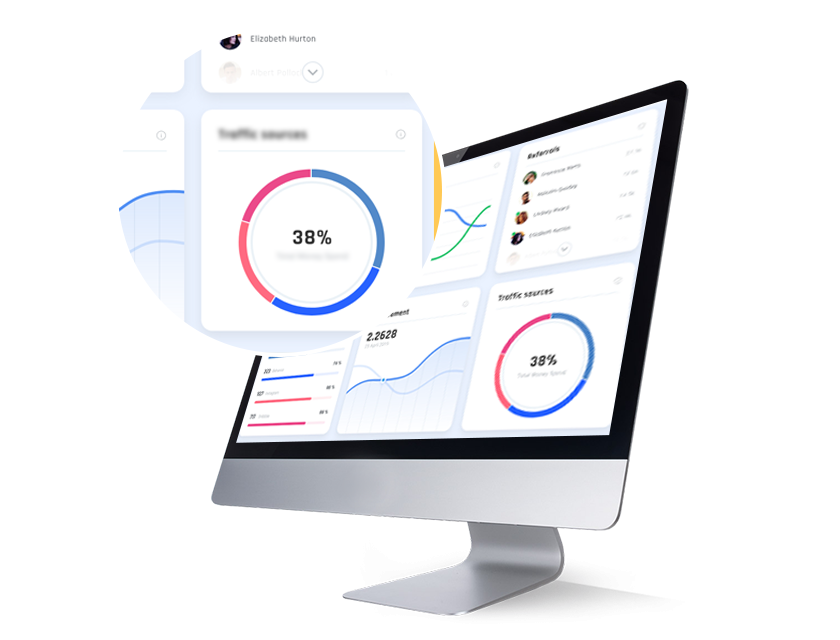
See your projects at a glance with your dashboard. Each project has its own dashboard with statistics for quick analysis of your project’s status. Project status and health are easily visible, along with tasks on a number of filters. There are also many views to see the breakdown of your project—list, Kanban, timeline, Gantt, and calendar views are easily accessible. The project discussion tab saves all communication for future reference and makes sure everyone in the team is on the same page

Individual project dashboards

Keep on eye on the status of each project with individual project dashboards. Each dashboard has statistics for quick analysis of your project’s status and health. A breakdown of tasks on a number of filters is also available for a granular as opposed to a generalized approach to project management.
individual-projects

Project views

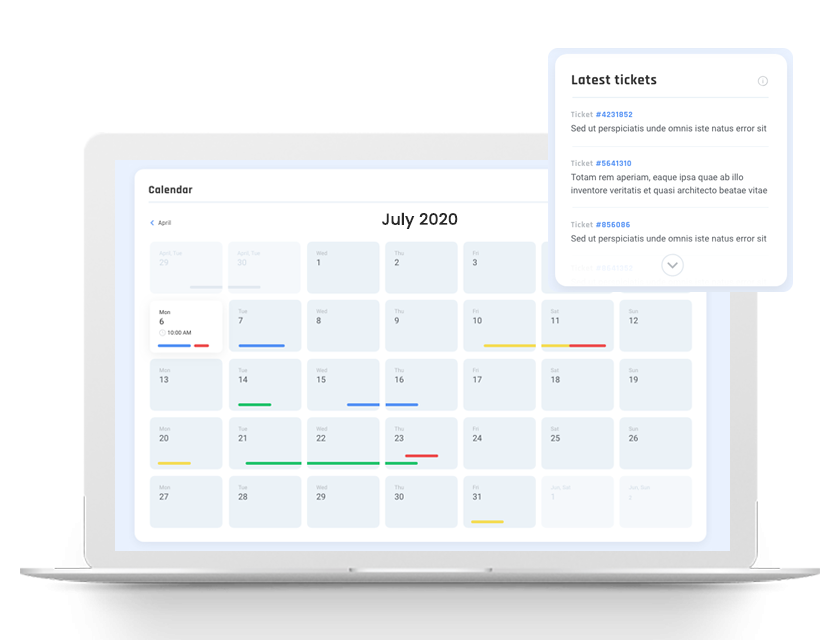
Forget the countless spreadsheets. See a breakdown of your project in your dashboard in Kanban, Gantt, timeline, calendar, and list views for easy visualization.
project-view

Project discussion

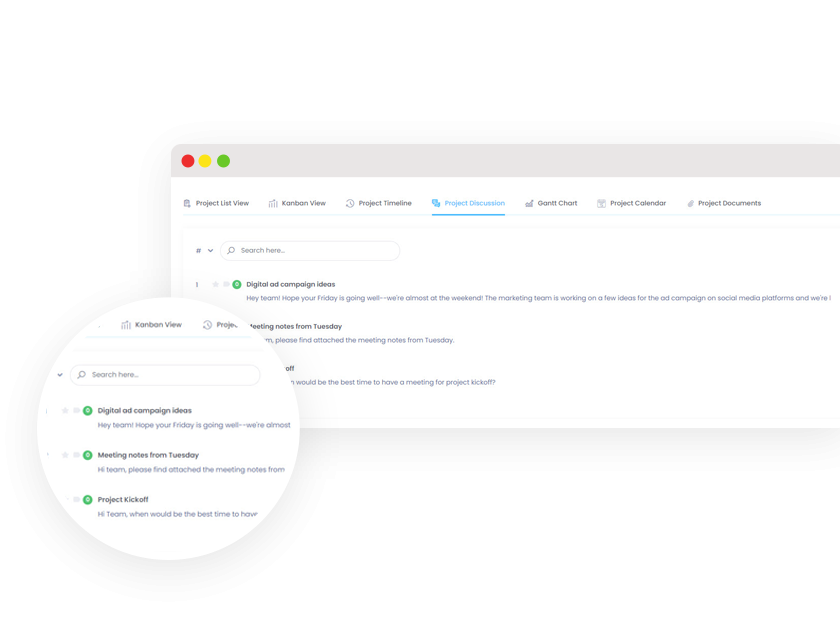
Ditch the mile-long email chains and use the project discussion tool instead. Everyone on your team will be on the same page, with all discussion saved for future reference. You can attach files, documents, screenshots, and more, too.
project-discussion

Custom workspaces

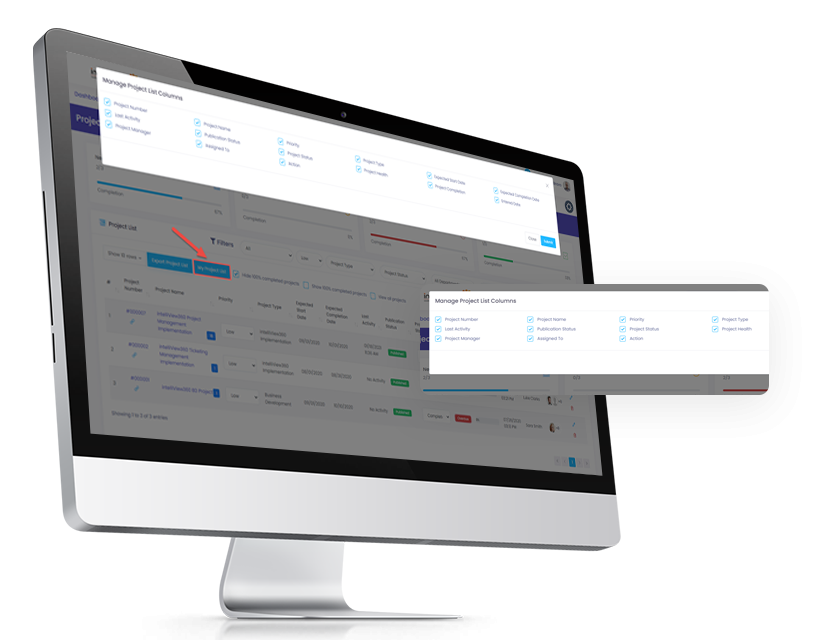
With intelliView360, team members can create custom workspaces for their projects. They can determine what information they need to see on their own dashboard.

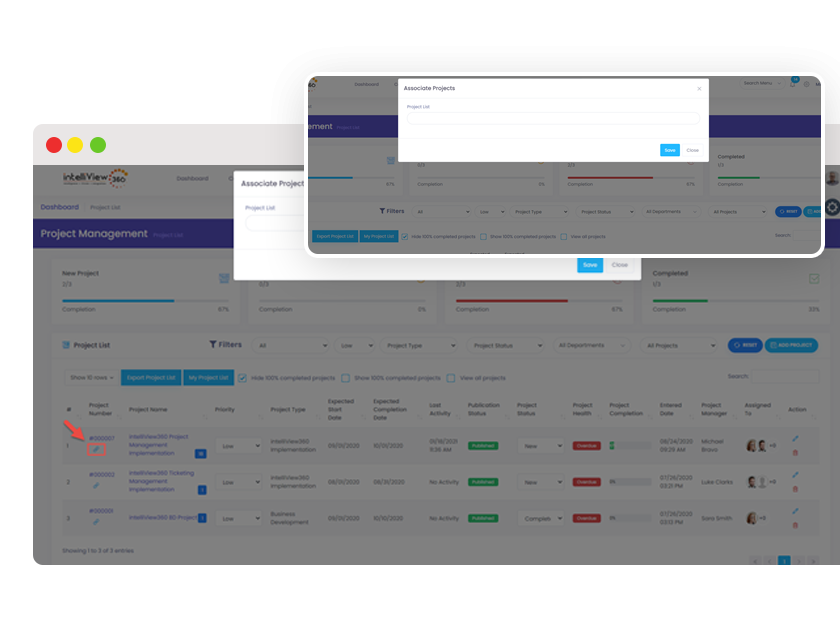
Associate projects

Projects can be grouped with other related projects for trackability and consolidation.
associate-projecs

The intelliView360 Advantage

Stay in touch with intelliView360

At intelliView360, our favorite word is together. Be it a long night or an early morning, we’re constantly bouncing ideas off of each other, working on our latest software together, and yes, even enjoying a slice of pizza together. Our products helped our team grow together. We can’t wait to help your team grow together, too.